TLDR
- An HR workflow is a set of steps that starts with a trigger and ends with a clear result.
- Start with tasks that repeat often and touch many people. Employee onboarding, access setup, and signing documents are good picks.
- Let automation move the paperwork. Let people handle the welcome, the questions, and the exceptions.
- Map the process, pick one workflow, test it, then grow from there.
- Track simple numbers like time to complete, overdue tasks, and 90 day retention.
Think about the last time someone joined your team.
Someone sent the offer. Someone chased the signed copy. Someone asked IT for a laptop. Someone forgot the benefits form.
None of that is hard work. It is just a lot of small steps with a lot of handoffs. That is exactly where automation helps.
I work with HR and workflow tools every day. I see the same pattern again and again. Teams do not struggle with the big decisions. They struggle with the chasing.
So let’s walk through how to automate HR workflow tasks, and the onboarding process in particular, in plain words.
What is an HR workflow cycle?
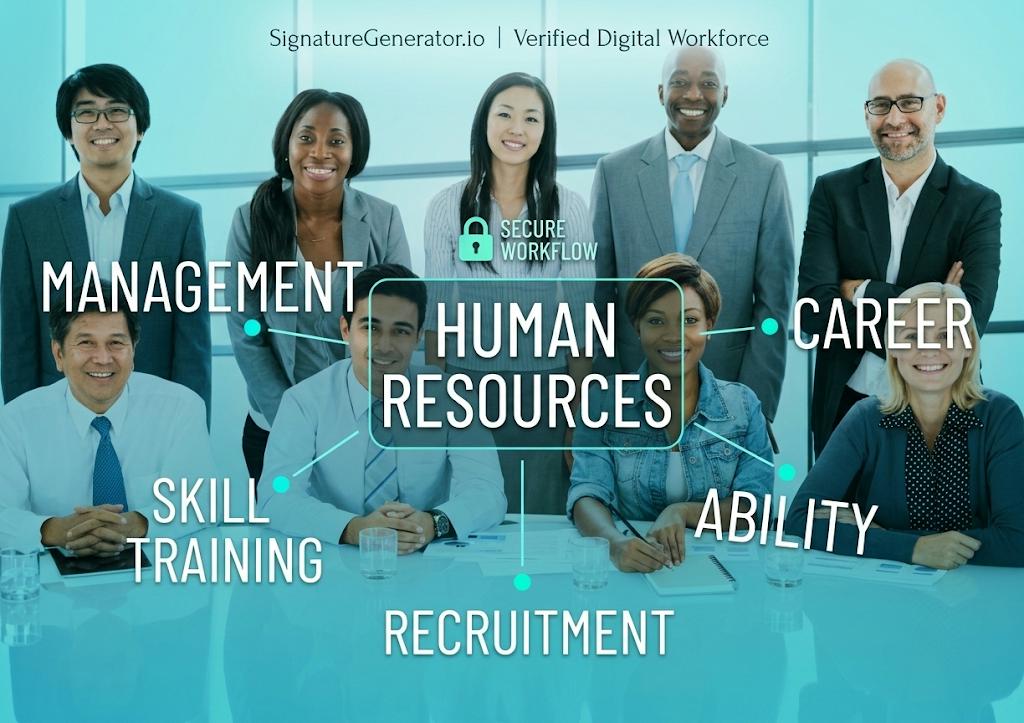
An HR workflow cycle is the path an employee follows, from the day they get an offer to the day they leave. Each stage has its own workflow. A workflow is simple. Something happens. That is the trigger. A set of steps runs. Then the result is confirmed.
Here is how the cycle usually looks:
- Hiring and prehire checks
- Employee onboarding
- Check ins and performance reviews
- Benefits, leave, and compliance training
- Role changes and access updates
- Offboarding
A 2026 guide from Workativ, an HR automation vendor, lists ten workflows that fit this cycle. They include prehire, onboarding, offboarding, performance reviews, benefits, leave, and access setup.
It makes one point I agree with. Many teams automate a single task, like sending a reminder. Then HR still has to push the rest of the process forward by hand. So the goal is not to automate single tasks. The goal is to connect the steps so the whole workflow finishes.
Why automate employee onboarding at all?
Because most onboarding is not great today. Gallup found that only 12% of employees strongly agree their organization does a great job onboarding new people. Gallup also reported that when a manager takes an active role, new hires are 3.4 times as likely to feel their onboarding went well.
There is an upside too. Brandon Hall Group research for Glassdoor, widely quoted in HR circles, reported that strong onboarding improved new hire retention by 82% and productivity by over 70%. Treat those numbers as a direction, not a promise. Results change from company to company.
Here is the part that matters for automation. Automation does not make onboarding warm. It removes the chasing, so people have time to be warm. A manager who is not buried in forms can actually welcome the new hire.
What should you automate first?
Pick tasks that repeat often, follow the same steps, and touch more than one team. For employee onboarding, these usually qualify:
- Collecting new hire details once, not five times
- Signing documents like the offer letter, NDA, and handbook acknowledgment
- IT access and equipment requests
- Benefits and payroll form reminders
- Training assignments
- Manager tasks and intro meetings
- Check ins at day 30, 60, and 90
Skip anything that depends on judgment. Sensitive decisions, exceptions, and legal questions should stay with a person.
How to automate the onboarding process step by step
Here is the simple path I follow.
-
1
Map what happens today
Write down every step from offer accepted to day 90. Who does it? Which tool? How long does it take? You will spot gaps fast. Often a step has no clear owner.
-
2
Pick one trigger
Every onboarding workflow needs a starting event. Usually it is “offer accepted” or “hire date set” in your HR system.
-
3
Set the scope
Decide who the workflow applies to. All new hires? One department? One location? Start small.
-
4
Build the task list
Write each task, its owner, and its deadline. Use templates for documents and emails, so you write them once.
-
5
Connect your tools
Most setups link an HR system, identity and access tools, email or chat, and a place to sign documents.
-
6
Test before you switch it on
Run it with a test account first. Check every step.
-
7
Watch it and fix it
Look at what failed, what ran late, and what people complained about. Then improve it.
Microsoft’s own tutorial shows this pattern well. Its prehire workflow in Microsoft Entra starts a set number of days before the hire date. It applies only to users in a chosen department. It creates a temporary access pass and emails it to the new hire’s manager.
You can run it on demand to test it. Then you turn on the schedule. A history tab shows which tasks finished and which failed. It does need specific Microsoft licenses, so check that before you plan around it.
Still, it is a clean example of an onboarding workflow. Trigger, scope, tasks, test, monitor.
Signing documents without the paper chase
Signing documents is where many onboarding workflows get stuck. The offer is out. The new hire is excited. Then a PDF sits in an inbox for three days.
Moving this step online helps a lot. No printing. No scanning. No blurry photos of paper.
Is it legal?
In the US, the ESIGN Act of 2000 says a contract cannot be denied legal effect just because the signature is electronic. Most states also follow a similar law called UETA. Adobe’s legal overview explains how both work together. Other regions have their own rules. The EU, for example, has eIDAS.
A few things to keep in mind:
- The signer should clearly intend to sign and agree to do it electronically.
- A few document types, like wills and some court papers, still need ink.
- Some HR forms, like tax or work eligibility forms, have their own rules. Check with your legal or payroll team.
I am not a lawyer, so treat this as a starting point.
Where a signature generator fits
For small teams, a simple online tool can cover a lot. With a free tool like Signature Generator, you type or draw your name, pick a style, and place it on a PDF. That works well for countersigning an offer letter, signing an agreement, or acknowledging a policy.
Be honest about the limits, though. A signature tool creates and places the signature. It is not a full workflow system.
If you onboard many people at once, you will want reminders, routing, and audit trails. Many HR platforms have eSignature built in for that. Also, HR files are sensitive. Read the privacy policy of any tool before you upload an employee document.
How to pick your first HR workflow to automate
Before you choose, ask five questions about each workflow:
- How often does it run?
- How much manual effort does it take?
- How many systems does it touch?
- Does it follow the same steps most of the time?
- What breaks if it runs late?
Onboarding, access setup, leave requests, and compliance training score well on most lists. The Workativ guide points to the same group.
Avoid starting with something messy. A process that depends on opinions or inconsistent data is a hard first project.
Mistakes to avoid
Keep these common pitfalls in mind as you plan:
- Automating a broken process. Fix the process first. Then automate it.
- Having no owner. Every workflow needs one person who watches it.
- Flooding day one. New hires can feel buried. Spread tasks across the first 90 days.
- Removing the human part. Remember the Gallup finding about managers.
- Skipping tests. One small bug can email the wrong person.
- Ignoring exceptions. Decide what happens when a step fails or a person is on leave.
How to know it is working
Track a few simple numbers before and after you automate:
- Time from offer accepted to signed paperwork
- Share of new hires fully set up on day one
- Overdue or failed tasks
- Hours HR spends chasing people
- New hire satisfaction at day 30
- Retention at 90 days
If the numbers do not move, change the workflow. Not the goal.
FAQs
What is the best way to automate the onboarding process?
Start with one workflow. Map the steps, pick a trigger, automate the repeat tasks, and test with a sample hire before going live.
What is an onboarding workflow?
It is a set of steps that runs when a new hire is confirmed. It covers things like paperwork, access, training, and check ins, and it ends when the new hire is set up.
How long does it take to set up?
It depends on your tools and data. One vendor guide says a typical mid size setup takes one to two weeks, but simple setups can be faster and messy ones slower.
Are electronic signatures valid for HR documents?
In most cases, yes. In the US, ESIGN and UETA support them. Some documents have exceptions, so check with legal counsel.
Do I need expensive software to automate an HR workflow?
Not always. Templates, forms, calendar reminders, and free tools can cover a lot at the start. Move to a bigger system when volume grows.
Which HR tasks should stay manual?
Anything sensitive. Think terminations, performance ratings, legal exceptions, and payroll disputes.
Final thoughts
Automation will not fix a weak onboarding plan. But it will stop good plans from falling apart over small, boring tasks.
Start with one workflow. Keep people in the parts that need care. Check your numbers.
Do that, and the paperwork stops being the story. The new hire’s first weeks become the story.
About the author
Emily Carter
Emily Carter is an HR automation and AI analyst. She has spent years working with HR systems, workflow tools, and AI assistants. She writes about practical HR tech and how small teams can save time without losing the human touch.